
Only first line of data extracted

Hi, I am trying to scrap some data from a university ranking website. I thought I did everything correct, but somehow only the first university listed was scraped. The following is the information required for bug detection. Thanks!

Web Scraper version: Free Web Scraping 1.79.3

Chrome version: Version 127.0.6533.72 (Official Build) (x86_64)
OS: macOS 14.5 (23F79)

Link to the site you were scraping: https://www.timeshighereducation.com/world-university-rankings/2024/world-ranking#!/length/-1/sort_by/rank/sort_order/asc/cols/stats

Sitemap (Please make the sitemap as minimal as possible so it’s easier to replicate the bug. You can export the sitemap by opening it and choosing “Export Sitemap” in the dropdown menu):

{"_id":"TimesRanking2","startUrl":["https://www.timeshighereducation.com/world-university-rankings/2024/world-ranking#!/length/-1/sort_by/rank/sort_order/asc/cols/stats"],"selectors":[{"id":"TimesRanking","parentSelectors":["_root"],"type":"SelectorElement","selector":"tbody","multiple":true},{"id":"University","parentSelectors":["TimesRanking"],"type":"SelectorText","selector":"a.ranking-institution-title","multiple":false,"regex":""},{"id":"Country","parentSelectors":["TimesRanking"],"type":"SelectorText","selector":"span a","multiple":false,"regex":""},{"id":"Ranking","parentSelectors":["TimesRanking"],"type":"SelectorText","selector":"td.rank","multiple":false,"regex":""}]}

Log Information (Screen Record):
https://youtu.be/NNVCSUPBK8g

Tutorial on how to submit a video bug report: How to submit a video bug report
You did a mistake.... Element should be chosed as a separate row of a table, not the whole unique table...

here is your sitemap:

{"_id":"TimesRanking2","startUrl":["https://www.timeshighereducation.com/world-university-rankings/2024/world-ranking#!/length/-1/sort_by/rank/sort_order/asc/cols/stats"],"selectors":[{"id":"TimesRanking","multiple":true,"parentSelectors":["_root"],"selector":"tbody tr[role=\"row\"]","type":"SelectorElement"},{"id":"University","multiple":false,"parentSelectors":["TimesRanking"],"regex":"","selector":"a.ranking-institution-title","type":"SelectorText"},{"id":"Country","multiple":false,"parentSelectors":["TimesRanking"],"regex":"","selector":"span a","type":"SelectorText"},{"id":"Ranking","multiple":false,"parentSelectors":["TimesRanking"],"regex":"","selector":"td.rank","type":"SelectorText"}]}

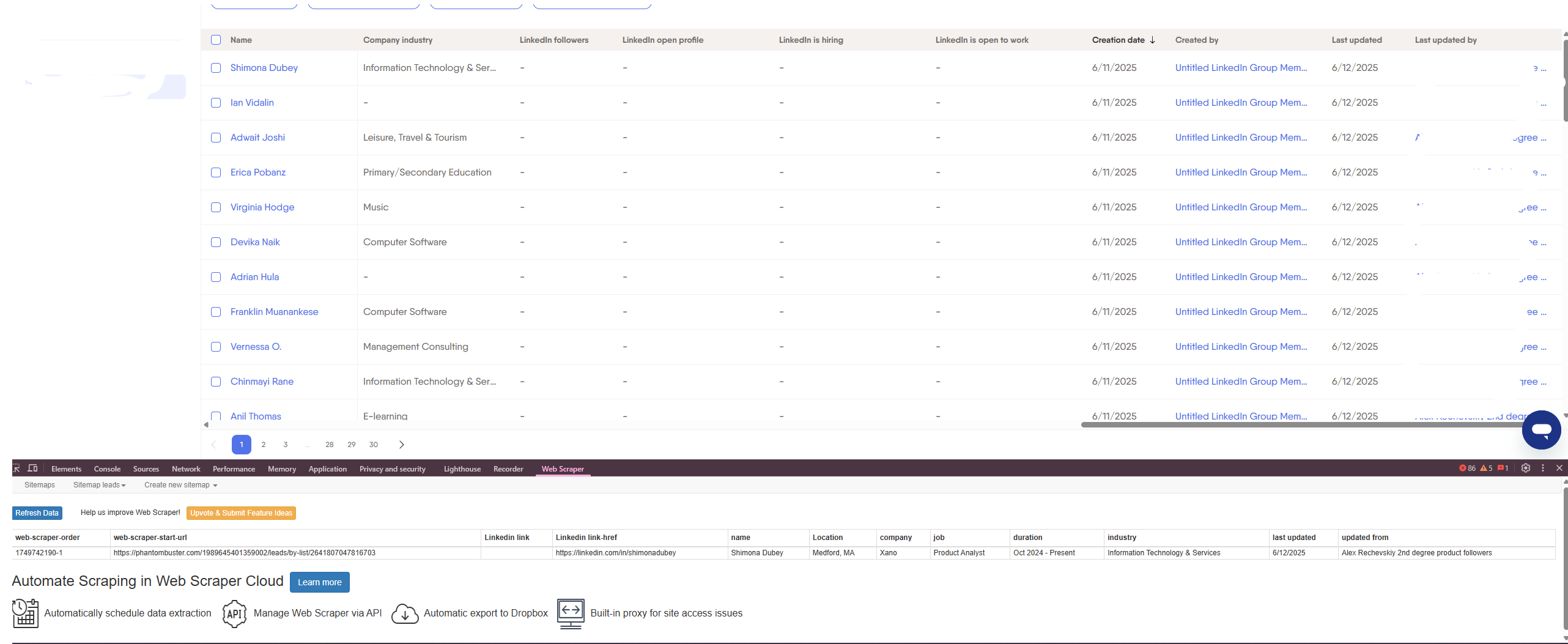
I'm having a similar problem and I'm using the Chrome extension. Why is it only scraping the first row of the table? Here's what I have in the setup

Hi,

It looks like you would have to create a wrapper selector with 'Element' type (multiple checked) that matches the table rows and nest the text selectors inside it.

1 Like

first of all there are 3 Element types ... did try the using that, same result, one line ... can you just make a video tutorial or something ... i have a basic one page with a listing containint name, description and a link ... can't get the extension to work, only returning the 1 row

Actualy it works, i mean it doesn't but only becase the the page i'm trying to scrape is not coded properly. it's a squarespace site
