Web Scraper version: 0.6.5
Chrome version: 109.0.5414.120 (Build oficial) (64 bits)
OS: Windows 10
This problem is happening to me quite often as of lately. The issue is as follows:
-
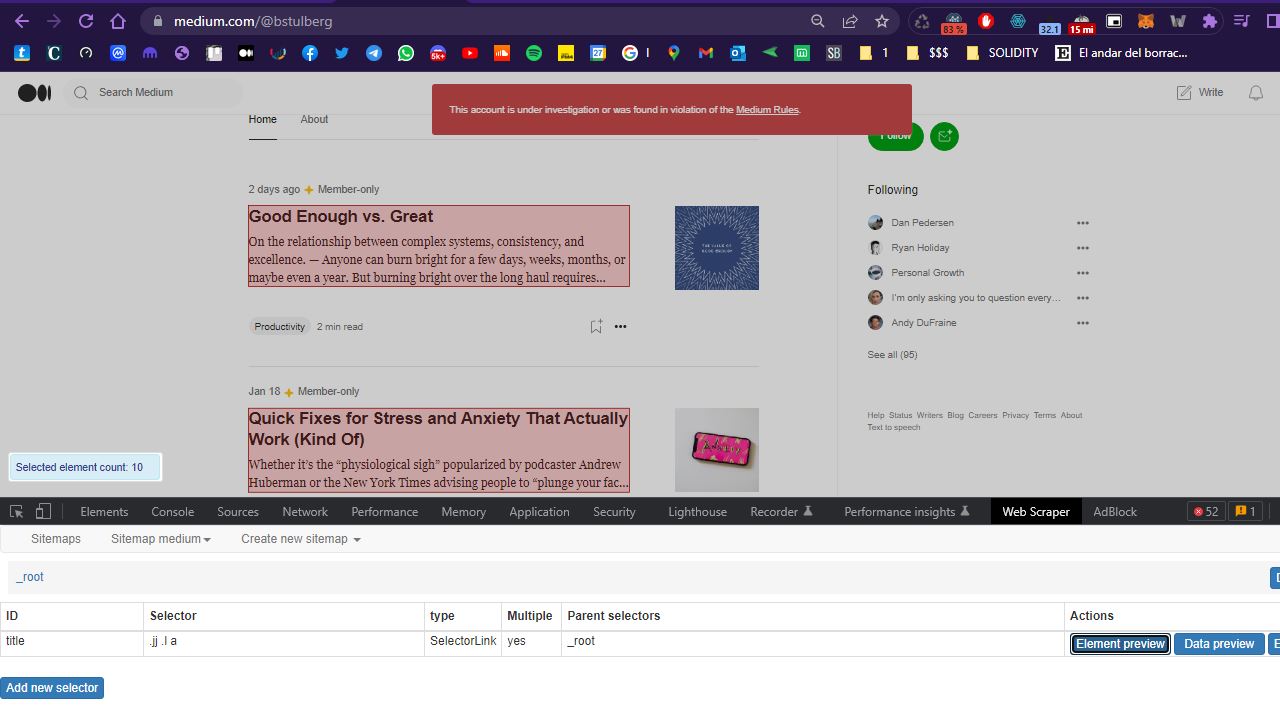
While setting up the sitemap the selectors are working fine. The
Element previewbutton highlights the items I have chosen and thedata previewbutton delivers everything as expected. The sitemap is correctly set up. You can see it in the picture attached. -
When I hit
scrape, the new window opens and after a while it closes but no data has been scraped at all.
I am providing a sitemap tryng to scrape items from a Medium list, but I have sufffered it in other websites as well. However, this is only happening on some sites and thankfully not always. This seems to be happening only with Link selectors.
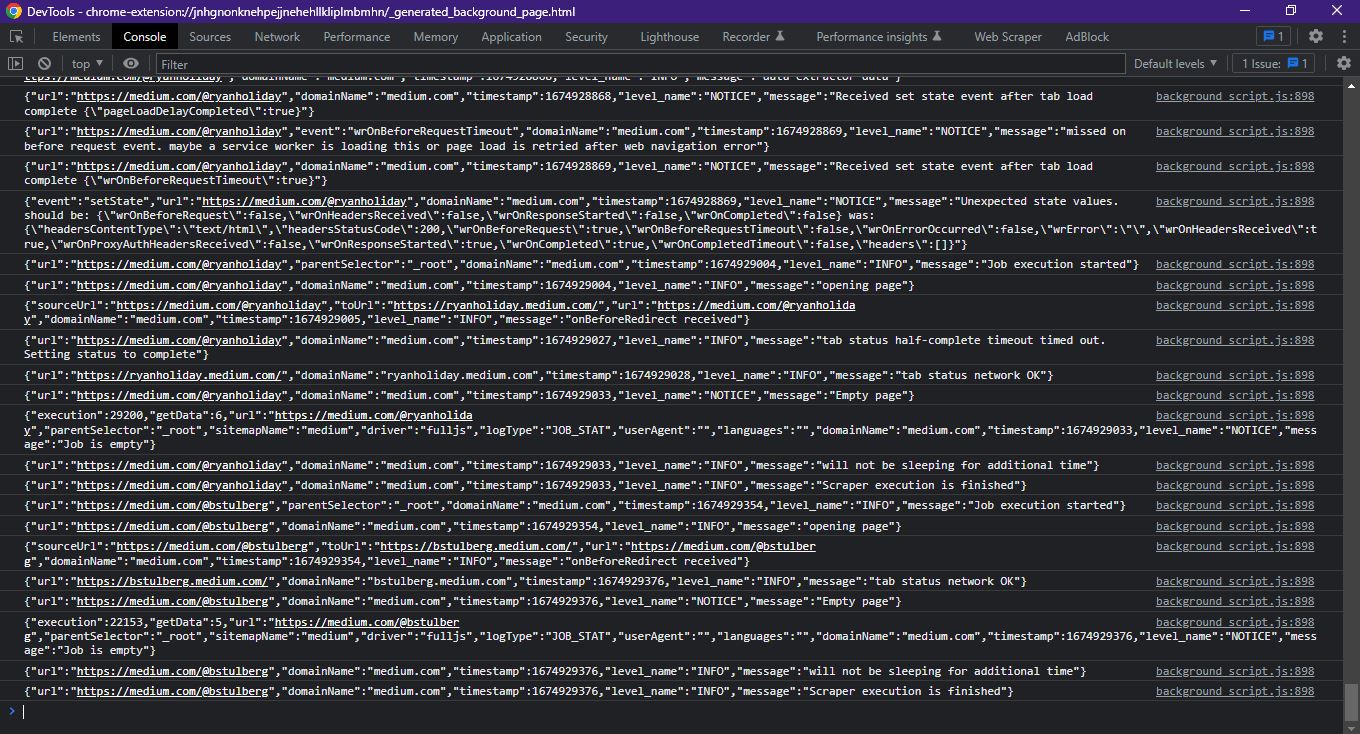
I am providing the sitemap as well as screenshot of DevTools, where no error is thrown. I can provide more sitemaps for this issue if you require them.
I have tried this on Firefox and it fails just the same.
Sitemap:
{"_id":"medium","startUrl":["https://medium.com/@bstulberg"],"selectors":[{"id":"title","multiple":true,"parentSelectors":["_root"],"selector":".jj .l a","type":"SelectorLink"}]}