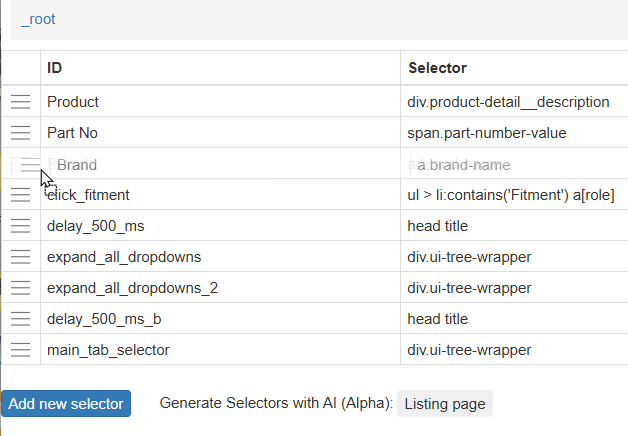
I don't think this is mentioned in the documentation but I have found that it is possible to reorder the sequence of scraped columns in your output during scraping rather than manipulating the export in a CSV editor or Excel/Sheets.
If you export your JSON sitemap into a text editor each of the selectors begins with
,{"id":"
and ends with
"version":2}
So you need to move the required selector block to its new position.
Now import your edited whole sitemap. You will need to give it a new name. I just append 'v2' etc to keep track of what I am doing.
If you do make a mess of it, all is not lost as you original sitemap is still intact in the extension.