
How to scrape HTML Data

Hello everyone,

I want to know if we can scrape the data hidden in the HTML code of a webpage.

Url: https://www.nike.com/fr/launch/?s=in-stock

I want to scrape the url of the picture of shoes. I see the url when I right click on picture then Inspect.
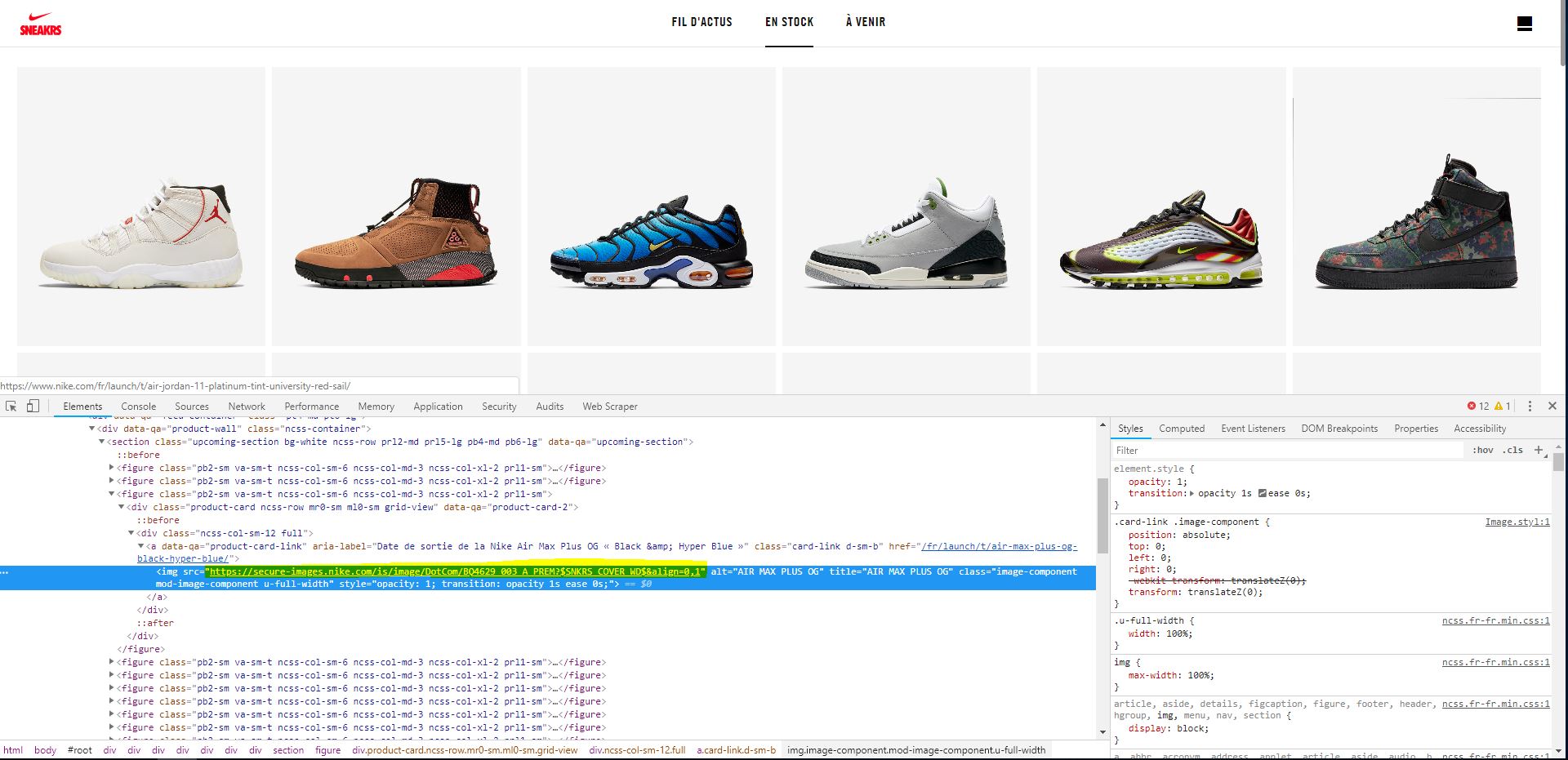
Thank you for your help.
Hi,

Is it this that you are looking for?

{"_id":"shoes-test","startUrl":["https://www.nike.com/fr/launch/?s=in-stock"],"selectors":[{"id":"nike-shoes","type":"SelectorImage","parentSelectors":["_root"],"selector":"img.image-component","multiple":true,"delay":0}]}

It can be simply done by using the Image selector and selecting the desired images

Hi,

First, thank you for the answer but no this isn't what I want.

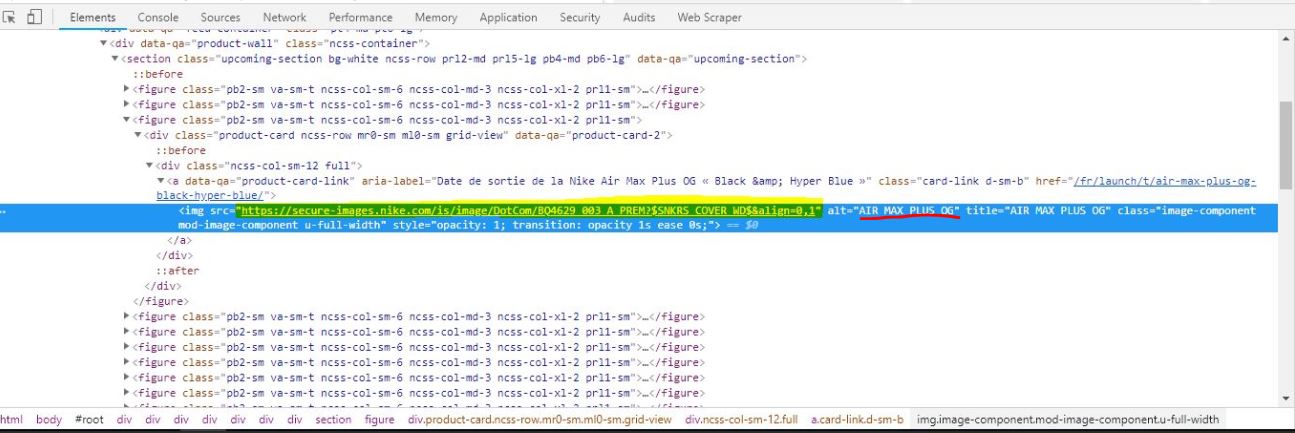
I want to know if I can scrape data that are in the HTML code.

I know I can use the SelectorImage, but Imagine if there are some informations behind a "button" but it's not

image, and this information can be seen when inspecting this "button". How to take it via webscraper. On the

Nike url I speak about the url of the picture but how to select the name after it for example ?

I think you can use HTML type selector, then use css selector to select the 'a' tag which is the parent tag of 'img' tag of interest. The 'img' tag in its entirety will then be extracted.

css selector to select 'a' tag:
'figure:nth-child(1) div.ncss-col-sm-12 a'

'img' tag extracted:
< img src="https://secure-images.nike.com/is/image/DotCom/378037_016_A_PREM?$SNKRS_COVER_WD$&align=0,1" alt="AIR JORDAN XI" title="AIR JORDAN XI" class="image-component mod-image-component u-full-width" style="opacity: 1; transition: opacity 1s ease 0s;" >

Hi,

I'm starting to use the webscraper tool. I need to do the same thing as Mr GenariScraper.

What am I doing wrong?

Thanks in advance.
PS :If you prefer I open a post for me but i think it's the same problem.