
How to group multiple rows in a table

How can I group multiple rows within a table? The HTML looks like this:

<table>
  <tr><th>Height</th><td>height-1</td></tr>
  <tr><th>Width</th><td>width-1</td></tr>
  <tr><th>Length</th><td>length-1</td></tr>
  <tr><th>Height</th><td>height-2</td></tr>
  <tr><th>Width</th><td>width-2</td></tr>
  <tr><th>Length</th><td>length-2</td></tr>
</table>

I would like as output two rows with columns "Height", "Width", and "Length":

|  Height  |  Width  |  Length  |
|----------|---------|----------|
| height-1 | width-1 | length-1 |
| height-2 | width-2 | length-2 |
@foreigner Hello. Do the height, width, and length table rows have any additional identifiers?

If not - you could use the :nth-of-type() selector based on the element order.

Learn more: Selectors | jQuery API Documentation

No they don't have any additional identifiers. I tried using :nth-of-type() but couldn't seem to get the grouped output I wanted. How do you do the grouping part?

@foreigner Hi, can you, please, share the targeted website or your sitemap?

I'm trying to extract the contacts out of American Journal - Maine Media Directory by EIN Presswire

I don't have a sitemap, that's what I'm trying to figure out!

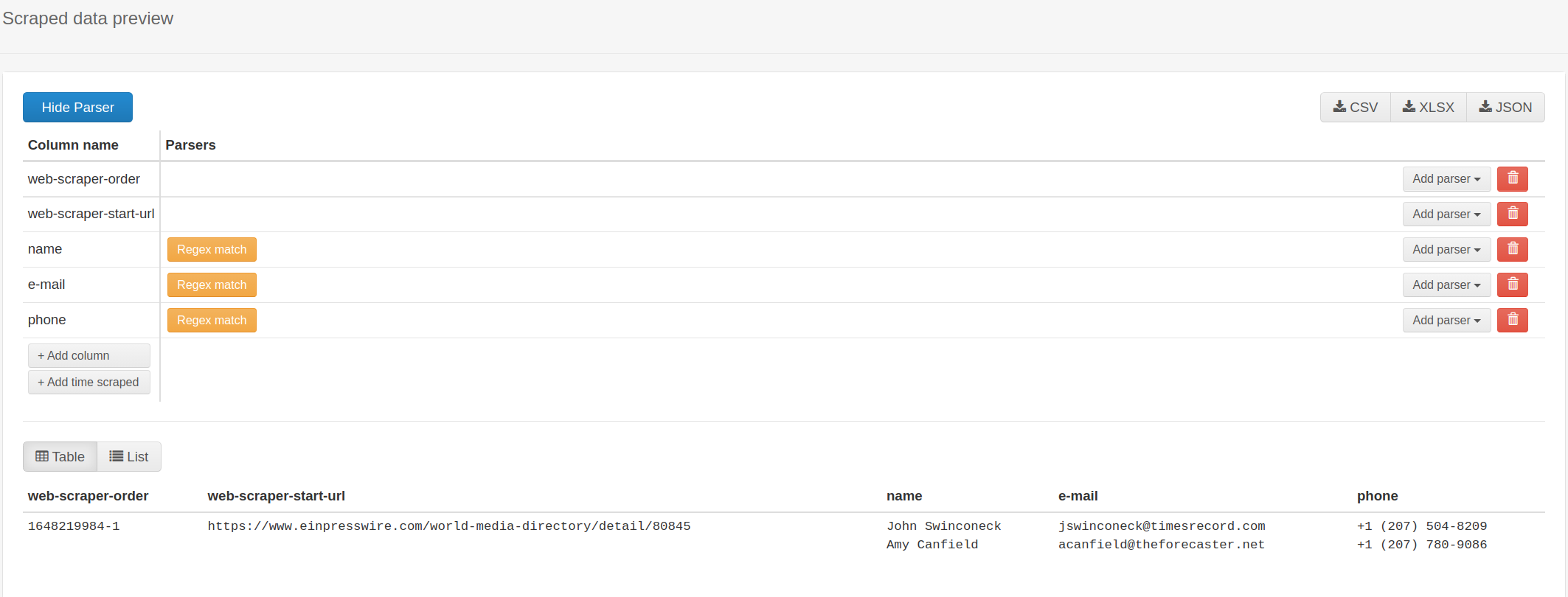
@foreigner For that you could use the 'Grouped' selector.

Example:

{"_id":"einpresswire-com","startUrl":["https://www.einpresswire.com/world-media-directory/detail/80845"],"selectors":[{"delay":0,"extractAttribute":"","id":"name","parentSelectors":["body"],"selector":"tr:contains('Name'):not(:contains(\"Media\")) td","type":"SelectorGroup"},{"delay":0,"id":"body","multiple":true,"parentSelectors":["_root"],"selector":"body","type":"SelectorElement"},{"delay":0,"extractAttribute":"","id":"e-mail","parentSelectors":["body"],"selector":"tr:contains('Email') td","type":"SelectorGroup"},{"delay":0,"extractAttribute":"","id":"phone","parentSelectors":["body"],"selector":"tr:contains('Phone') td","type":"SelectorGroup"}]}

Learn more: Grouped selector | Web Scraper Documentation

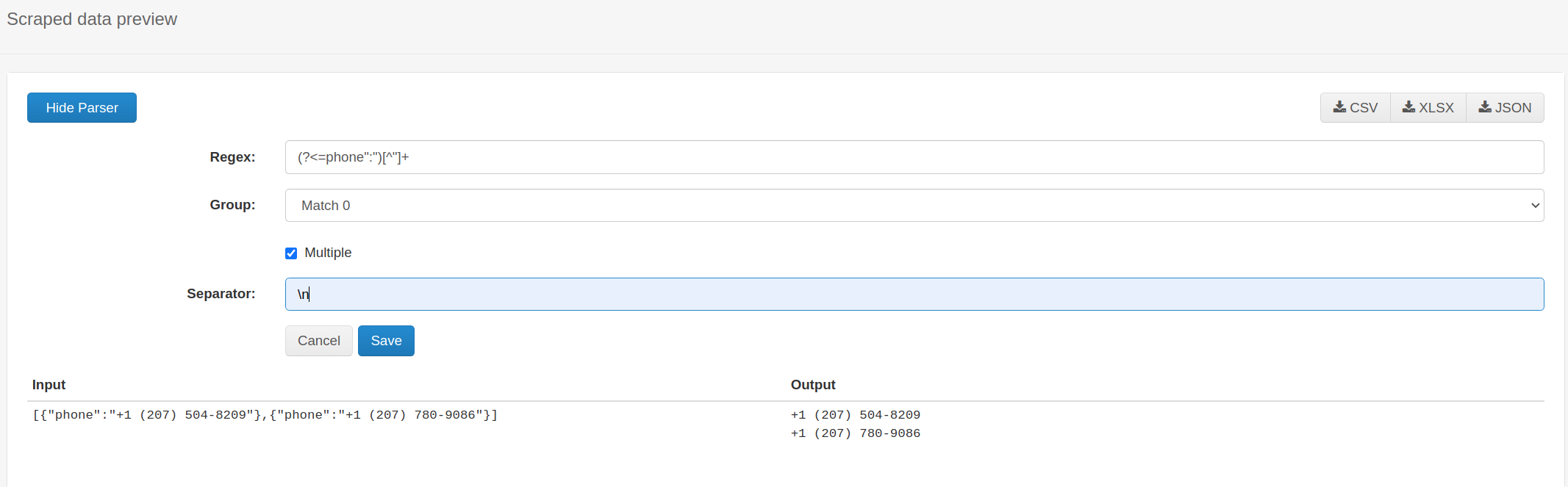
@foreigner If necessary you can also apply additional data post-processing using the parser feature within the Web Scraper Cloud.