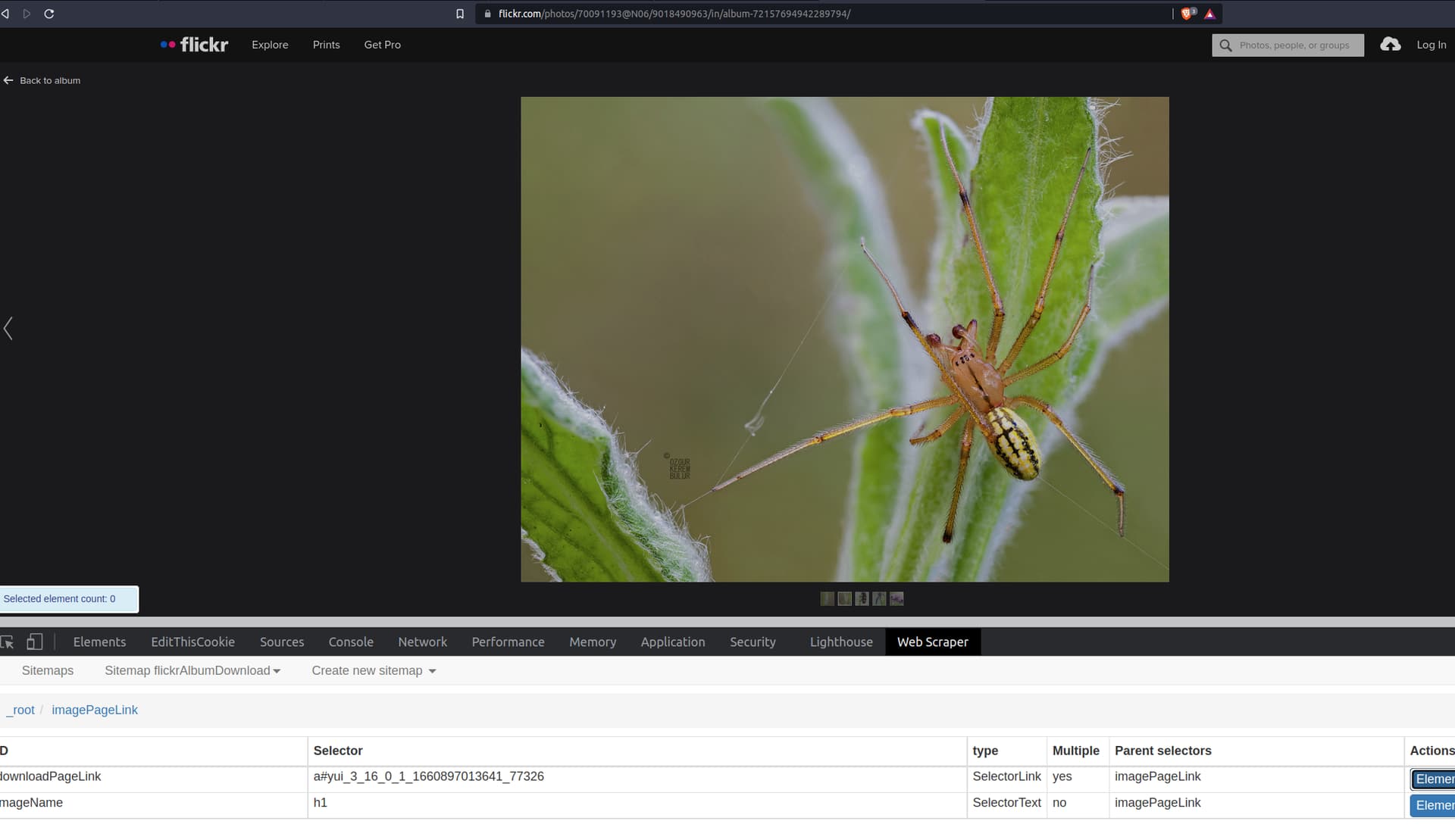
On Flickr, the link to the download page uses dynamic styles (e.g. a#yui_3_16_0_1_1660897013641_77326). How can I always found the download url so that the scrape continues?
Url: bounds | 21 natural light exposures stacked with mp-e@1.2x m… | Flickr
Sitemap:
{"_id":"flickrAlbumDownload","startUrl":["https://flickr.com/photos/70091193@N06/albums/72157694942289794/with/9018490963"],"selectors":[{"delay":0,"id":"imagePageLink","multiple":true,"parentSelectors":["_root"],"selector":"a.overlay","type":"SelectorLink"},{"delay":0,"id":"downloadPageLink","multiple":true,"parentSelectors":["imagePageLink"],"selector":"a#yui_3_16_0_1_1660897013641_77326","type":"SelectorLink"},{"delay":0,"id":"photoPage","multiple":true,"parentSelectors":["downloadPageLink"],"selector":"ol a","type":"SelectorLink"},{"delay":0,"id":"image","multiple":false,"parentSelectors":["photoPage"],"selector":"#allsizes-photo img","type":"SelectorImage"},{"delay":0,"id":"imageName","multiple":false,"parentSelectors":["imagePageLink"],"regex":"","selector":"h1","type":"SelectorText"}]}