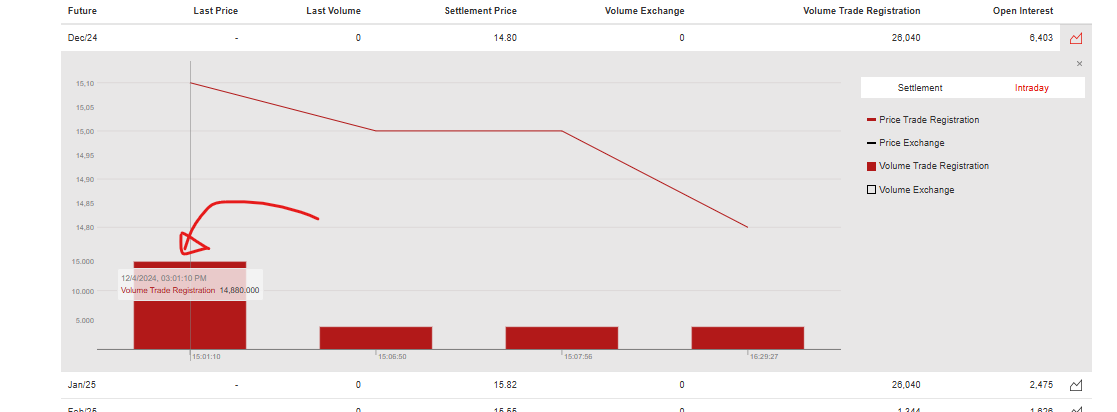
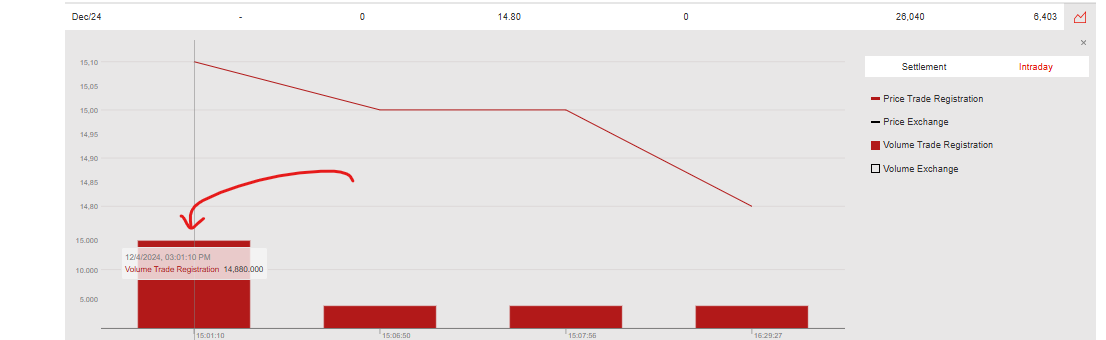
I am trying to get the information (Volume Trade Registration 14880.000) that only comes out upon mouse hover, which selector/how do i go about doing so?
Url: Futures

I am trying to get the information (Volume Trade Registration 14880.000) that only comes out upon mouse hover, which selector/how do i go about doing so?
Url: Futures
Hi,
Import the below sitemap, and start the scrape with a longer delay so you can make the necessary clicks to display the charts:
{"_id":"eex-com","startUrl":["https://www.eex.com/en/market-data/power/futures#%7B%22snippetpicker%22%3A%22167%22%7D"],"selectors":[{"clickActionType":"real","clickElementSelector":".mv-pane-surface g rect","clickElementUniquenessType":"uniqueCSSSelector","clickType":"clickOnce","delay":1000,"discardInitialElements":"discard-when-click-element-exists","id":"click","multiple":true,"parentSelectors":["_root"],"selector":"body","type":"SelectorElementClick"},{"id":"Volume Trade Registration","multiple":false,"parentSelectors":["click"],"regex":"","selector":"div.mv-tooltip-name:contains('Volume Trade Registration') +","type":"SelectorText"}]}
Thank you! this really helped. Any idea if there is a way to automate the clicking up till the check box at the Volume Trade Registration? I have so far used this sitemap but i am stuck.
{"_id":"Tokyo","startUrl":["Futures Types","parentSelectors":["_root","Period Types"],"paginationType":"auto","type":"SelectorPagination","selector":"#symbolheader_jft .mv-button-group div"},{"id":"Base","parentSelectors":["Period Types"],"type":"SelectorElementClick","clickActionType":"real","clickElementSelector":"#baseloadwidget_jft path","clickElementUniquenessType":"uniqueCSSSelector","clickType":"clickOnce","delay":2000,"discardInitialElements":"do-not-discard","multiple":true,"selector":".d-block > div:nth-of-type(2)"}]}
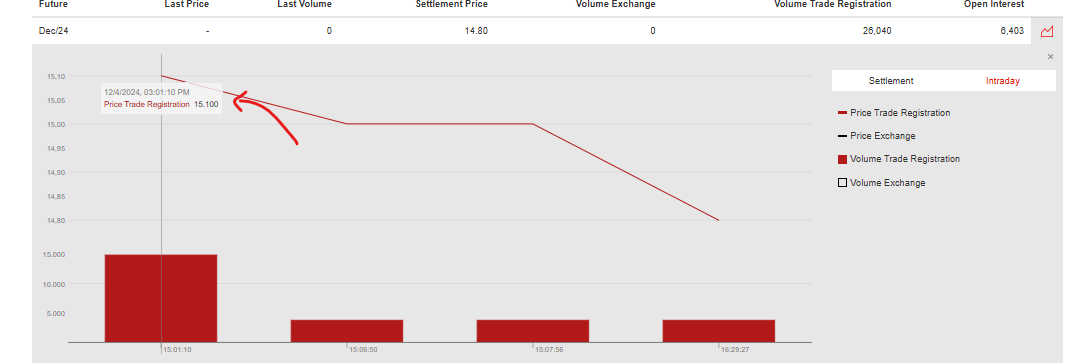
Also, is there a way to match the price trade registration to the volume trade registration in one row in the dataset after scraping?
I was not able to find a way, sorry.