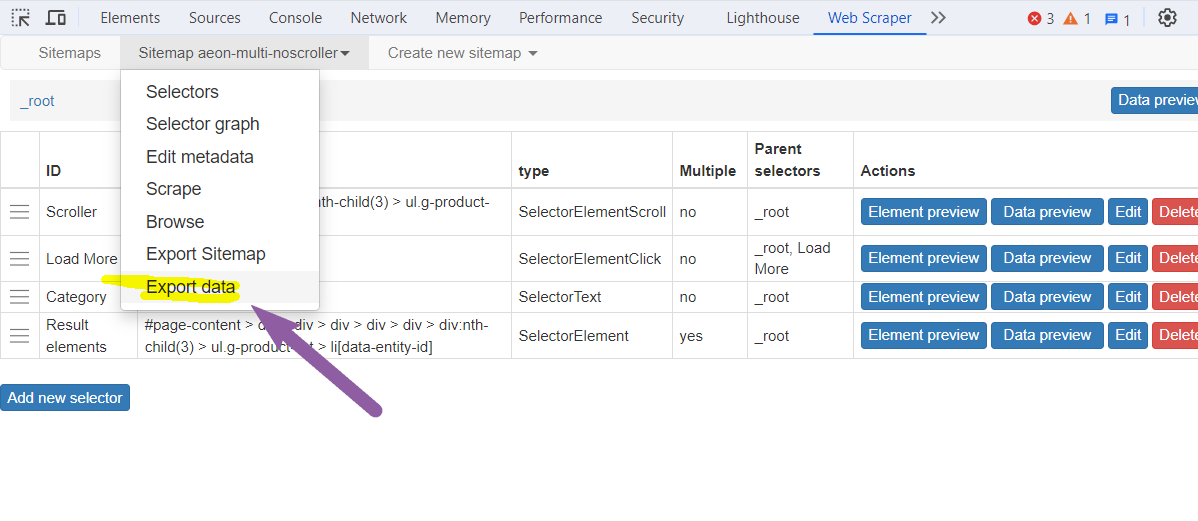
I've been running a scraping session for the past 7 days using a scraper I've used for years. When I checked Chrome today, the DevTools window was closed, and it showed a message that DevTools would need to refresh. However, the Chrome window showed the scraper was still visiting new pages.
With DevTools closed, and the button to download the CSV file gone, how can I retrieved the scraped CSV file? Is it saved locally on my machine that I can retrieve? I'm using a Mac, but I'll take the instructions for Windows if anyone knows.
Thanks.