Hi All,
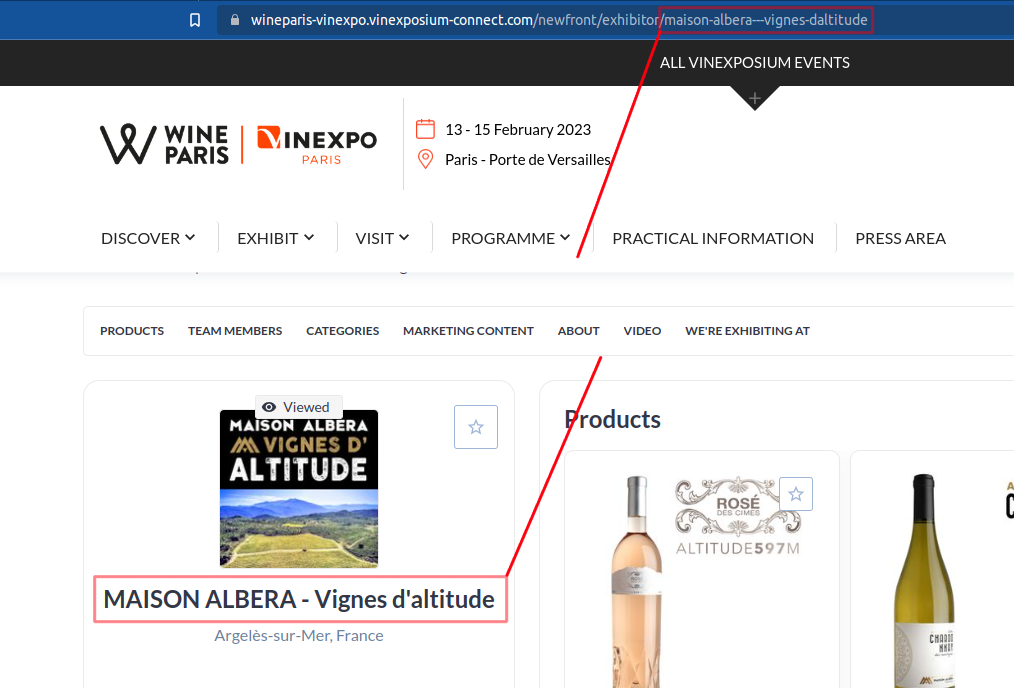
I would like to scrape this website. My plan is to click on each Item to open it and take the Company Name. I use the following sitemap but it does not work. I noticed though, the items do not have a link, but if I manually click on them a link opens up to read more information on each item. How can I click on each item if they are not a link and then come back to the main link to continue clicking on the following item?
Url: Exhibitors catalogue - Wine Paris & Vinexpo Paris - Vinexposium
Sitemap: {"_id":"websraperquestion","startUrl":["Exhibitors catalogue - Wine Paris & Vinexpo Paris - Vinexposium on each Item in order to enter in the details","multiple":true,"parentSelectors":["_root"],"selector":"div.sponsorCard","type":"SelectorLink"},{"id":"Name","multiple":false,"parentSelectors":["_root"],"regex":"","selector":"h2.MuiTypography-alignCenter","type":"SelectorText"}]}